This is a continuation of the series that started on Monday. For some background and perspective, you should read the first article before reading this one.
Phone Numbers
While I illustrated in the last section of this series how easy it is to create alternate names and email addresses, phone numbers are a little tougher, but not much.
In my experience, the easiest, fastest way to create a new phone number is to sign up for Google Voice. In fact, when Lisa became a Google Workforce customer, they kept encouraging her to get a Voice account, so she did. Now she has an app on her phone, and when people call Tiger Cat Sales, her phone rings, but she answers the call via the Google Voice app rather than her personal phone number. If she calls the customer back, her Google Voice number shows up on their phone rather than her personal phone number. That’s some privacy protection right there.
The big problem with this is that the service is run by Google. Google is like an information vacuum cleaner that sucks up all the data about you it can. If you are trying to hide from angry cat ladies, Google Voice works fine. If you are trying to hide from data collectors or someone with subpoena powers, it works less well. There are other companies out there that offer similar services, but they start at about $20 a month and share some weaknesses. For a greater level of security, consider buying a burner phone.
The phrase “burner phone” may sound criminalesque or secret-squirrel, but I’m not talking about the kind of burner phone where you make a call, set up a deal, and then break the SIM card in half, smash the phone, and toss it into the river. I’m just talking about an alternate phone that is not easily tied to your name and physical address.
Phone Privacy
If you don’t want to take that step, you can make your iPhone more private and less snoopy by doing the following:
- Remove anything on it related to Google. Delete every single Google app, including Gmail, Maps, search, Chrome, even YouTube—you get the idea.
- Install and use the DuckDuckGo or Brave browser.
- Engage a VPN. If you pay for the Brave Browser, it will come with a VPN and firewall. Apple also offers a VPN, and I recommend NordVPN, which will protect multiple devices.
- Remove (or never install) all social media apps. This includes Facebook, X, Instagram, etc. If you want to access Facebook, open your browser, go to Facebook.com, and log in. Same with the others. They will recommend you install the app; ignore their pleas, and access these sites sparingly and only through the web.
- Same with Amazon, eBay, and other shopping services. For greater privacy, anything you can access via the web you should access via the web rather than installing their app.
- Turn off all tracking and location services. If an app like the compass requires it, set it to use location services ONLY when the app is active.
- If an app wants your zip code, lie, unless they are mailing you something or calculating sales tax. Give them a zip code where you used to live, or make a “typo.” One digit off can move you a state or three away.
- Don’t download games or other apps you don’t need for daily survival. Games and apps like weather apps are reportedly some of the worst privacy violators.
You can also invest in a “de-Googled” Ghost phone running GrapheneOS or GhostOS. This is the cell phone equivalent of the Brave browser—they take the Android operating system and strip out all the tracking and other invasive code. If you have to give unsavory types your phone number—because you are a probation officer, social worker, cop, or whatever—having a ghost phone like this can be a worthy investment because it will make it very difficult for them to track you down.
Hiding in the Crowd
If Lisa buys a burner phone at a local store and it spends 90 percent of its life connected to TigerCatWifi at her house, it will be pretty easy to tie the phone to her. If you want greater privacy, you need to keep your burner in a Faraday bag anytime you are within ten miles of your home and use it only from remote locations. In my case, I don’t need that kind of security. I need an alternate phone number so if one of the online stores where I buy my prepping food and cases of ammo gets hacked, they cannot tie that phone number back to my name, primary email address, social security number, or physical location. A Google Voice number might accomplish that; a cheap Android phone definitely does.
This is why changing your Wi-Fi address is important. If you live at 2715 Churchill St., don’t make your Wi-Fi network’s name 2715 Churchill. If your alternate phone is often attached to the Wi-Fi network 2715 Churchill, it’s going to be pretty easy to tie that phone to you—or at least to your address.
I recommend finding security through obscurity, which means picking a common Wi-Fi router name. The most commonly used Wi-Fi network name in the country is xfinitywifi, the default name that comes with their router. If your phone spends 90 percent of its life connected to xfinitywifi, it will be impossible to track it to a specific address based on that single piece of data.
You can also pick other hardware names like Lynksys or NetgearWiFi. In fact, if you have a Lynksys router, calling it Netgear will make it harder for a hacker to exploit it because they will be trying all the Netgear hacks and get nowhere. The jokes on them!
Virtual Private Networks
As I am typing this, my computer is attached to an IP address in Seattle and my iPhone is attached to one in Charleston, S.C. I accomplish this by using a virtual private network (VPN), which not only encrypts my data but changes my IP address. As I have said before, I have used NordVPN for more than five years and am an affiliate. If you are thinking about a VPN, please consider clicking this link to sign up, as it will earn me a few bucks.
One of my online identities only connects to the Internet from California and always uses Firefox. Another connects from the South and uses Chrome. Others use DuckDuckGo or Chromium.
The other day, Gemini asked me how things were going in Panama. I wasn’t in Panama, but my IP address was. Proof that my VPN was working.
This combination of unique IP addresses/geographic regions reached via VPN and different browsers using different email addresses helps obscure my identity and make it harder for a hacker or entity to link my different names to each other. No single action I take might accomplish this, but the combination obfuscates the picture sufficiently that I can hope I maintain some separation between my various “identities” and their lanes. But if someone wants to track you online, they’ll use your fingerprints—your digital fingerprints.
Erasing Your Digital Fingerprints
When you use a browser, you leave behind digital fingerprints. Some of these are obvious: Google Analytics will tell the website owner what kind of browser you used, what device you connected with, and what operating system you ran, along with a range of other tracking metadata. Many websites use cookies or tracking pixels to follow your progress across the web. These are easy to block. More difficult to stop are the short scripts on sites that will identify other information from your connection, like the size of your monitor, your browser’s history, and information about your audio setup.
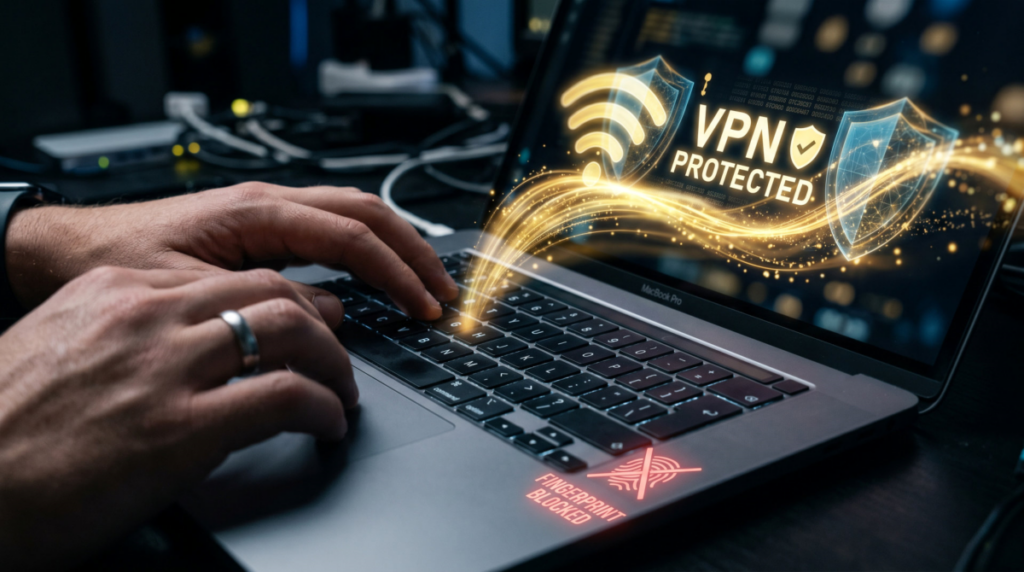
For privacy, I run different browsers, and I use a host of different extensions when I run mainstream browsers like Firefox or Chrome. These include uBlock Origin, Privacy Badger, Disconnect, and Canvas Blocker. When you use these, you need to be aware that they can sometimes interfere with the website and stop new windows from opening, or make some links appear invalid. I also use DuckDuckGo and Chromium.
When that is not good enough, I use the Brave browser. Brave disrupts the canvas algorithms specific to your computer, making it impossible for a third party to trace your path over the internet via your fingerprints alone. (Canvas Blocker also does some of this.) Brave disrupts your digital fingerprint while also blocking ads and (in most cases) not interfering with the websites you visit. If you have good reason to think someone is tracking you, or if you want extra privacy, consider using the Brave browser. The Mullvad browser is another highly reviewed privacy-oriented browser, but I do not have first-hand experience with it.
Defeating Public Wi-Fi and Data Sniffers
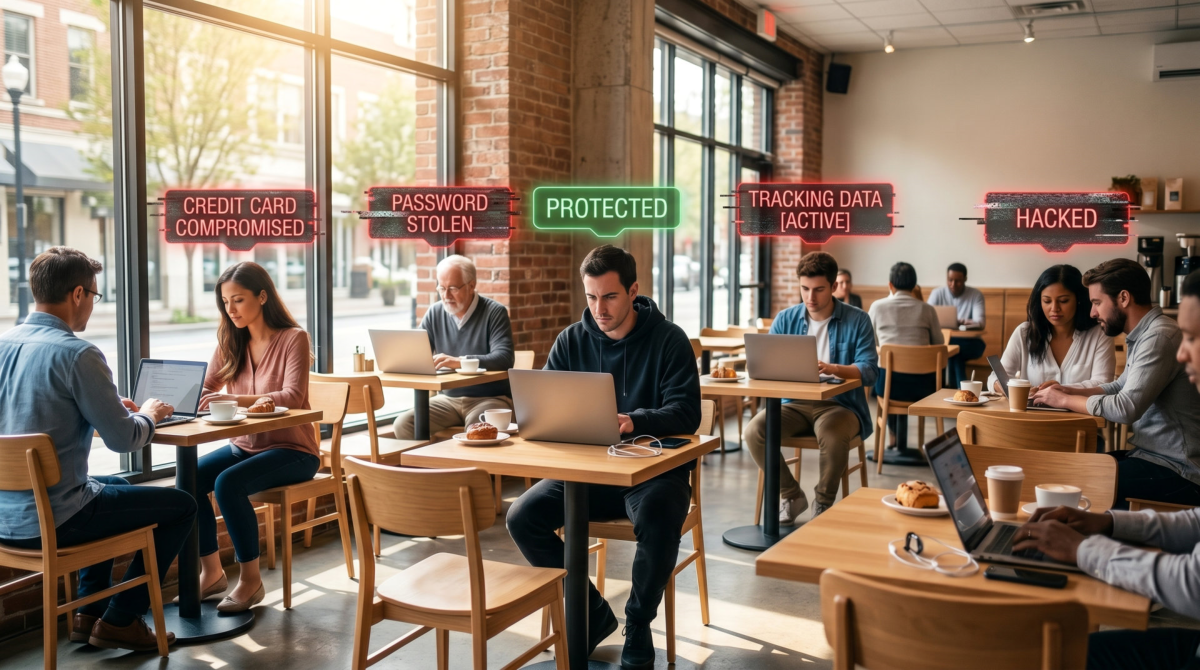
If you have a Windows laptop or other device that is exposed to multiple public Wi-Fi networks you do not own, you should not only have your VPN active but activate the “Random Hardware Addresses” (on your Wi-Fi settings page) and set it to change daily. This will generate a completely fake, random MAC address every day. If Lisa walks into her favorite coffee shop on Monday and opens her laptop, the coffee shop’s Wi-Fi will grab and record her laptop’s MAC address. The same goes for many other networks or passive tracking sniffers in the area. By using this data, a data consolidator can track Lisa’s travels as she walks through downtown, visiting stores and having lunch with a friend or colleague. Over time, they will identify a pattern, learn where she parks, shops, and eats. This information can be packaged and sold.
Enabling random hardware addresses stops that kind of tracking by using a different MAC address every day. Lisa’s trip is still tracked that day, but there is no repeat pattern to track, no historical data. To the data broker or consolidator, her laptop appears to be a never-before seen device each day. They can no longer establish a pattern and harvest valuable data about her and her habits.
Many big-box stores use data sniffers to identify you by your phone or other electronic gear. They tie this in with their payment information to identify you. Apple devices use a different MAC address when connecting to a public network, it changes that data every two weeks. If you want it to change faster, select “forget network.” iPhones also change their MAC address when scanning for a network. All of this helps avoid the scenario we described above.
For good measure, clear out your cookies and history every week or two.
Birth Dates and Other Data
Not all identifying data is electronic. Your date of birth is one of several “identifiers” that is combined with your name, phone and other information to help identify you. This is why your doctor asks for your birthday when you call their office and they look up your records. All my alternate identities have their own birthdays. A couple of them are quite a bit younger than I am.
How do I pick birth dates? It’s easy. I used common dates, like Veterans Day, 11/11. Or I use January 23, which is 1/23 or December 3, which is 12/3. I avoid July 4.
In terms of how I keep these characters straight, it’s not hard: I take notes. Every ID gets its own Word document. At the top are their name, email addresse(s) and areas of interest. Below that are notes on the browser I use and location, which could be specific, like Seattle, or general, such as the Pacific Northwest. Below that are all the accounts to which they have usernames and their specific passwords.
This is also where I record their security questions and answers. I will make up their mother’s maiden name, their high school mascot, favorite movie, and the city in which they got married; whatever the system wants. (Don’t pick wolverines every time.) The security system isn’t smart enough to check to see if your school’s mascot was a hawk; it’s simply checking that what you typed matches what you answered originally. So if you want to say your high school mascot was a stapler, and you got married in Metropolis or Luna City, be my guest. Have some fun with it.
Cash, Cards, and Digital Money
You already know I like to pay cash because it is more difficult to track and doesn’t report back to a big computer run by some bank, but there are times when you must use plastic. I also have a phone wallet app that holds $600 of crypto currency. Lisa takes another approach and uses an ATM card that is in her company name.
Because she has to pay taxes on her profits, Lisa has to keep careful records. One way she does this is to maintain two bank accounts. One bank account is for incoming money. When someone pays her via PayPal or through her website, the money goes into that account. She then transfers it to another account, which she uses to pay her bills. One advantage is that this keeps her money in silos. Another is that it gives her two different ATM cards.
She uses one of them when she buys things under her name and the other when she buys things under Tony’s name. “Tony” orders cardboard boxes, packaging tape, and other related packing supplies. The vendors don’t care about this subterfuge, as long as the card number is accepted, and they get paid. The days of handing your card to the cashier are behind us. As long as you know the PIN, you can swipe that card at checkout or use it online, and no one ever sees the name on the card.
Again, this won’t fool the IRS, but it’s not intended to. Lisa isn’t trying to commit tax fraud; she is just breathing air into the Tony persona. And if one of her card numbers gets hacked or compromised, she has a fallback number she can use to order supplies and pay her print on demand companies and dropshippers.
Up Next: Credit Cards and the Unbanked
Between six and eight percent of the adult population is unbanked, meaning they don’t have a checking account. I expect it’s higher if you count illegal aliens. This leaves cracks in the system for Lisa (or me and you) to take advantage of.
One is by going to Dollar General and buying a Spendwell Visa card. You can give the cashier between $20 and $500 in cash, and they will “pre-load” it on the card. Now Spendwell wants you to sign up online and establish your identity so they can send you a card with your name on it, but you don’t have to. You can just use that card until it runs out of money, at which point you can put more money on it or buy another one.
A second option is to buy gift cards. If you want your alternate identify to buy something on Amazon.com, buy a gift card and “give” it to them. Then have the item shipped to an Amazon locker not too near you. (I have done this on road trips.) Of course, if Lisa always buys gift cards for Tony to use, you won’t be fooling Amazon. But you can go into a store and buy an Amazon card for cash. But the question is, do you need to fool Amazon? Or do you need to fool a hacker/data aggregator?
At some point, Tony is going to need a last name. If we filter out the Hispanic surnames, the top twelve last names in the U.S. are: Smith, Johnson, Williams, Brown, Jones, Miller, Davis, Wilson, Anderson, Thomas, Taylor, and Moore. So Tony can be Tony Brown or maybe Tony Taylor. Imagine some hacker trying to find Tony’s Facebook page or trying to figure out exactly which Tony Brown is the correct one. An impossible task, unless Lisa creates a social media account for him.
Addresses, Vehicles and Op-Sec
We’ve got one more section covering these topics, plus license plate readers, and some important things you need to be able to do to pull off this kind of obfuscation of your identity, so stay tuned for the next installment.